In this guide
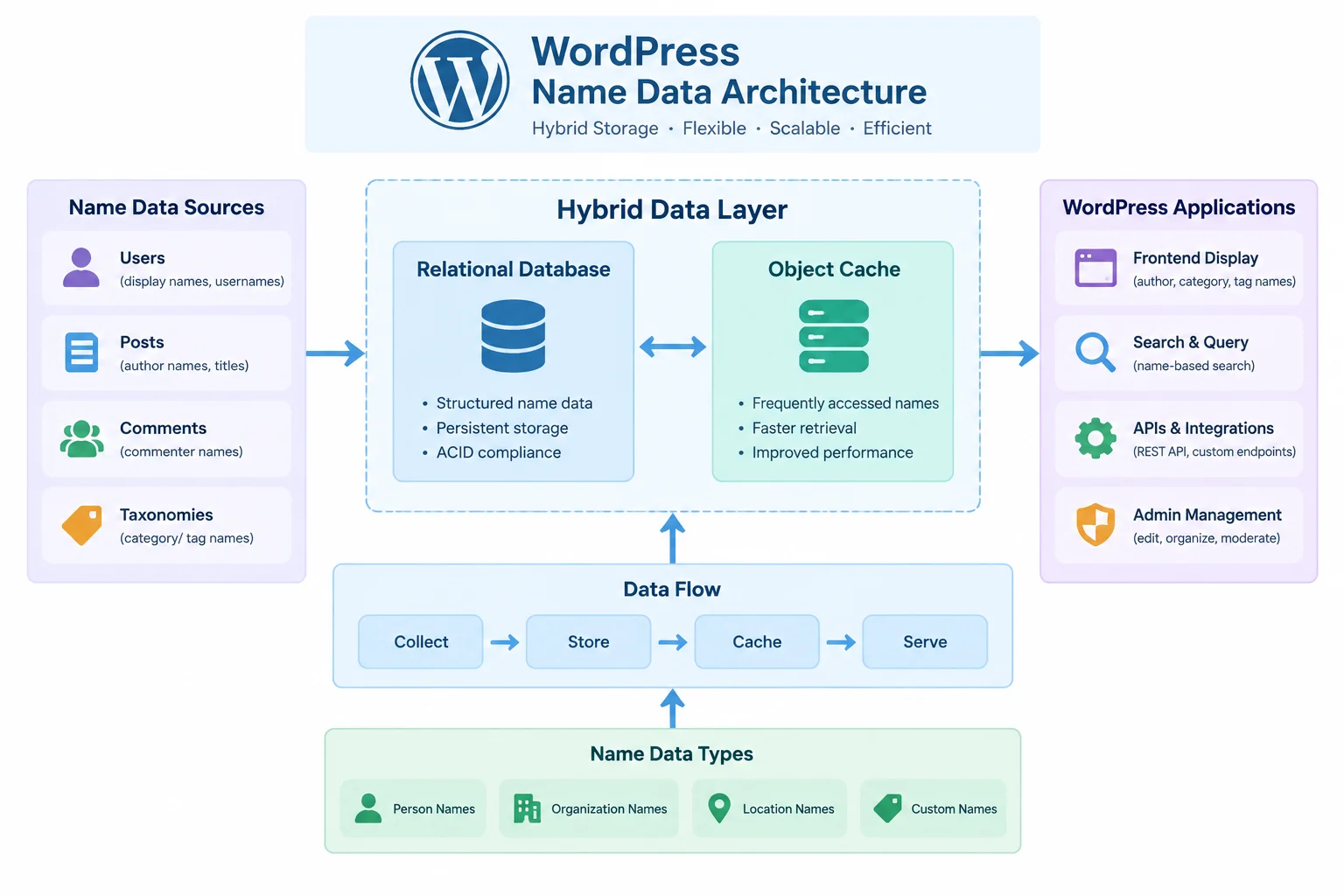
A name generator looks simple from the outside: a few inputs, a button, a list of names. Under the hood it is a small data product. The quality of the output depends on how cleanly names and their attributes are stored, how predictably filters narrow the candidate pool, and how quickly the front end can redraw results without a page load. On WordPress, those three concerns map to a custom post type (or a compiled JSON layer), a REST endpoint, and a small amount of vanilla JavaScript. This guide lays out a build plan for mygenify.cloud that keeps the data editorial-friendly in the admin, keeps the public interface instant, and adds copy and favorites as small, privacy-respecting conveniences. Existing generators are useful as pattern references rather than design templates: keyword-and-industry refinement, themed generator matrices, and attribute filters all point to the same underlying model, which can be implemented once and reused across baby, wrestling, fantasy, and other name sets.
WordPress Data Architecture for Name Datasets
There are three realistic storage models, and they are not mutually exclusive.
1. Custom post type with taxonomies and meta. Each name is a mg_name post. Theme, gender, and industry are taxonomies because they are finite, shared, and need filterable admin UI. Length, popularity score, weight, and a normalized hash are post meta because they are numeric or per-record. This is the editorial source of truth: non-developers can add names, tag them, and see them in a familiar list table.
2. A JSON or PHP array shipped with the theme. Fast to read and trivial to version, but poor for editorial workflow, validation, and per-record metadata. It is best treated as a build artifact, not the master copy.
3. A hybrid, which is the recommendation. Keep the CPT as the editable master, then compile a JSON payload per generator or per theme on save. A save_post_mg_name hook (or a WP-CLI command for bulk rebuilds) writes the compiled file to the uploads directory and stores a version hash. The front end can then load a payload once and filter it client-side, or the REST endpoint can read the compiled file instead of running a query.
A minimal registration looks like this:
add_action('init', function () {
    register_post_type('mg_name', [
        'label'       => 'Names',
        'public'      => false,
        'show_ui'     => true,
        'show_in_rest' => true,
        'supports'    => ['title', 'custom-fields'],
        'taxonomies'  => ['mg_theme', 'mg_gender', 'mg_industry'],
    ]);
});
Register meta with register_post_meta() and show_in_rest => true so the block editor and REST layer both see the same fields. Enforce uniqueness with a normalized hash meta value (strtolower, trimmed, punctuation stripped) and check it on save; this prevents the same name entering a dataset twice through different imports.
For bulk entry, accept a textarea where names can be separated by comma, semicolon, pipe, tab, or newline. Parsing multiple delimiters in one pass makes paste-from-spreadsheet imports practical, and it mirrors the flexible input handling found in shortcode-based generator plugins.
Enabling Filters and Personalization
Filters should be few, visible, and immediately consequential. A workable set for a general-purpose generator is: keyword or seed text, industry or theme, gender (where relevant), first letter, length band, and popularity band. Not every generator needs every filter, so treat the filter set as configuration rather than hard-coded UI.
The reference patterns are consistent. Wix’s generator takes keywords plus an industry and returns suggestions, letting users edit either input and refresh the list without leaving the page. Blue Studio takes a different approach, presenting a matrix of themed generators and returning a modest batch of varied options per click, with controls to regenerate or tweak the output. Baby-name generators add structured attributes: gender, first letter, length, and popularity. Enterprise naming tools go further and allow a generation method to be restricted by a source condition such as department, which is essentially a scoped preset.
That suggests a two-layer model:
- Presets are named combinations of filters (for example, "short fantasy surnames" or "tech startup, two syllables"). Selecting a preset fills the controls; it does not bypass them.
- Scoring ranks candidates rather than filtering to zero. Exact keyword matches in the name score highest, then keyword matches in tags, then attribute matches. Ties break by weight, which lets editors promote names they consider strong without hiding the rest.
A weighted random draw over the scored pool produces variety between clicks while still respecting the user’s choices. Keep a weight meta field (default 1) and sample without replacement so a single batch never repeats. If you want shareable results, accept a numeric seed in the URL and use it to initialize the random draw; the same seed and filters then reproduce the same list.
Finally, show active filters as removable chips above the results. Users who cannot see why a result appeared will assume the filter is broken.
Delivering No-Reload Results with AJAX
Prefer the REST API over admin-ajax.php. A REST route is a clean GET endpoint, returns proper status codes, can be cached by a page cache or CDN when appropriate, and does not bootstrap the admin context. Reserve admin-ajax.php for legacy integrations only.
add_action('rest_api_init', function () {
    register_rest_route('mygenify/v1', '/names', [
        'methods'             => 'GET',
        'callback'            => 'mg_rest_names',
        'permission_callback' => '__return_true',
        'args'                => [
            'generator' => ['sanitize_callback' => 'sanitize_key'],
            'theme'     => ['sanitize_callback' => 'sanitize_key'],
            'q'         => ['sanitize_callback' => 'sanitize_text_field'],
            'limit'     => ['sanitize_callback' => 'absint', 'default' => 12],
        ],
    ]);
});
Inside the callback, validate that limit is within a sane range, build the candidate pool from the compiled JSON or a cached query, score and sample, and return a small JSON object: the names array, the applied filters, and a total count. Do not echo HTML from the endpoint; rendering belongs to the client, and returning data keeps the endpoint reusable by other surfaces.
On the client, a plain fetch with an AbortController is enough:
let controller;
async function generate(params) {
  controller?.abort();
  controller = new AbortController();
  setLoading(true);
  try {
    const url = new URL('/wp-json/mygenify/v1/names', location.origin);
    Object.entries(params).forEach(([k, v]) => url.searchParams.set(k, v));
    const res = await fetch(url, {
      signal: controller.signal,
      headers: { Accept: 'application/json' },
    });
    if (!res.ok) throw new Error('Request failed');
    render(await res.json());
  } catch (err) {
    if (err.name !== 'AbortError') showError();
  } finally {
    setLoading(false);
  }
}
Debounce text inputs, but let button clicks fire immediately. Show a skeleton or a subtle inline spinner rather than a blocking overlay, keep the previous results visible until new ones arrive, and give the results container aria-live="polite" so screen readers announce the update. For write operations such as saving a favorite to a server, include an X-WP-Nonce header; read-only generation endpoints do not need one.
Progressive Enhancement and Accessibility
The generator should return something useful before JavaScript runs. Render an initial batch server-side using the same generation function the REST endpoint uses, with default filters. That gives search engines and no-JS users real content, and it removes the blank-state flash on first load.
Wrap the controls in a <form method="get">. With JavaScript enabled, intercept the submit and call the endpoint; without it, the form navigates to the same page with query parameters, and PHP reads and sanitizes those parameters to render filtered results. This is the simplest reliable fallback and requires no duplicate templates.
Accessibility details that are easy to miss:
- Use real
<button>elements for generate, copy, and favorite actions, not clickable divs. - Give the results region a stable
id,aria-live="polite", andaria-busytoggled during requests. - Announce status text ("12 names generated", "Copied") in a visually hidden live region rather than only changing button labels.
- Do not move focus on every update; move it only when the user explicitly requests a new view, such as opening the favorites panel.
- Ensure filter chips are keyboard-removable and that focus styles are visible.
- Respect
prefers-reduced-motionfor any list transition. - Reserve space for results with a
min-heightto avoid layout shift when the first batch arrives.
Performance is part of accessibility. Defer the generator script, inline only the small default payload needed for the first render, and avoid loading the full dataset until the user interacts. On slow connections, the server-rendered batch is often the difference between a usable page and an empty one.
Implementing One-Click Copy and Favorites
Copy is a two-line feature with a long tail of edge cases. Use the async Clipboard API first, then fall back to a temporary textarea and document.execCommand('copy') for older browsers or non-secure contexts.
async function copyName(text) {
  try {
    await navigator.clipboard.writeText(text);
  } catch (e) {
    const ta = document.createElement('textarea');
    ta.value = text;
    ta.setAttribute('readonly', '');
    document.body.appendChild(ta);
    ta.select();
    document.execCommand('copy');
    ta.remove();
  }
  announce('Copied');
}
Attach copy to each result row and add a "copy all" action. Confirm success in a live region, not only with a checkmark icon.
Favorites are best kept local by default. localStorage is sufficient for hundreds of names and avoids accounts, cookies, and server storage:
const KEY = 'mg:favs:v1';
const read = () => JSON.parse(localStorage.getItem(KEY) || '[]');
Store objects with an id, the name, the generator slug, and a timestamp. Deduplicate by id, cap the list at a reasonable size, and offer export as plain text or JSON. IndexedDB is only worth the complexity if you expect thousands of saved items or need offline sync.
A transient-backed endpoint keyed to an anonymous visitor is possible but fragile: transients are server-side, expire unpredictably, and can bloat the options table if used for per-visitor data. If server-side persistence is required, prefer a cookie identifier plus a custom table, or simply sync favorites to user meta for logged-in users and keep anonymous favorites local.
Be explicit in the UI about where favorites live: "Saved in this browser" is honest and sets the right expectation.
Admin Interface for Managing Generator Data
The admin experience determines whether the dataset stays clean after launch. Two screens cover most needs.
The list table and editor. Use the CPT list table with custom columns for theme, length, popularity, and duplicate status. Add a meta box (or block editor sidebar panel) with the numeric fields and a read-only normalized hash. Register meta with proper sanitize_callback, auth_callback, and show_in_rest so the same fields work in both editors.
The bulk importer. A settings subpage with a textarea, a delimiter hint, a target theme selector, and a preview table. On submit, parse the input, normalize each entry, flag duplicates against existing hashes, show a dry-run preview with counts, and only write on confirmation. This single screen saves more editorial time than any other feature.
Preview before publish. Add a "Preview" button in the editor that calls the same generation function with a draft flag, checks current_user_can('edit_posts'), and renders a small sample inline. Editors can then see how a name behaves under real filters without publishing and visiting the front end.
For advanced users, expose an optional JSON editor as a secondary screen rather than the primary one. Validate against a schema on save, keep revisions, and refuse to overwrite the CPT master if the JSON is malformed. The CPT remains the source of truth; the JSON screen is a bulk-edit convenience.
Finally, add a "Rebuild cache" action that regenerates compiled payloads and clears the relevant transients. Without it, editors will not trust that their changes are live.
Performance and Caching Strategies
Randomness and caching pull in opposite directions. The workable compromise is to cache the candidate pool, not the response.
Cache the pool. Build a cache key from the filter signature (generator, theme, industry, length band, popularity band) and store the matching name IDs in a transient or the object cache with a moderate TTL. On each request, load the pool, apply keyword scoring, and sample. The expensive part (querying and filtering) is cached; the cheap part (sampling) stays fresh, so users still get variety.
Avoid deep meta queries. Multiple meta_query clauses with LIKE comparisons do not scale. Equality filters belong in taxonomies. Numeric bands belong in indexed meta with compare => 'BETWEEN', or better, in a precomputed band taxonomy term. For large datasets, the compiled JSON payload loaded once and filtered in JavaScript can outperform repeated server queries, especially for the first interaction.
HTTP caching. Generation responses are user-specific, so send Cache-Control: private, no-store unless the request has no personalization. If a response is deterministic given a seed, you can allow caching and add an ETag derived from the filter signature and seed.
Full-page caching. Exclude the REST route from full-page caching, or ensure the cache varies on the query string. A cached page that embeds a stale nonce will break write operations; keep nonces out of cached HTML where possible.
Instrument it. Log query count and response time for the endpoint during development, and set a budget. If a request runs more than a handful of queries, the pool cache is not working.
Retention and Personalization Beyond Random
Retention features should reduce effort for returning users without turning a utility page into a tracking surface.
Remember the last filters. Store the most recent filter combination in localStorage and restore it on the next visit, with a visible "Reset" control. This is the single highest-value personalization and requires no account.
Session history. Keep the last few generated batches in sessionStorage so users can step back to a list they liked. Clear it when the tab closes.
Shareable state. Encode the filter set and seed into the URL. A shared link reproduces the same list, which makes the generator useful in group naming sessions and gives you organic distribution without tracking.
Saved lists. Favorites plus named lists ("shortlist", "client A") stored locally, with export. If you later add accounts, sync the same structure to user meta and keep the local copy as the offline fallback.
Analytics. Track first-party events such as generate, filter change, copy, and favorite, with the generator slug and filter names but never the keyword text. Gate analytics behind consent where required, avoid fingerprinting, and do not send names or free-text input to third parties.
Personalization loop. Use aggregate, non-identifying signals to order presets: if a theme is frequently selected, surface it earlier. That is personalization at the content level rather than the user level, and it avoids the privacy trade-offs of per-user profiling.
Duplicate Control and Reusing the Layer Across Generators
Duplicates appear in two places: in the dataset and within a generated batch. Handle both explicitly.
Dataset level. Normalize on save (lowercase, trim, collapse whitespace, strip punctuation variants) and store a hash in meta with a uniqueness check. On import, compare hashes before writing and report conflicts in the preview table.
Batch level. Track emitted normalized keys in a Set and skip repeats. If the pool is exhausted before the requested limit, return fewer names rather than repeating; the UI should handle a short list gracefully. This is the behavior users expect from tools that draw from a word list and remove duplicates automatically.
Weighted sampling without replacement. A simple approach is to assign each candidate a random key derived from its weight, sort, and take the top N. It is easy to implement, respects editor-set weights, and never repeats within a batch.
Reuse across generators. Model a generator as configuration, not as a separate codebase. A generator definition contains: a slug, a post type or dataset key, a taxonomy map, a filter list, a result template, and copy strings. Register definitions in one PHP array or as a custom post type of their own. The REST route takes a generator parameter, the JavaScript module reads data-generator from the container, and the templates share one results partial. Adding a wrestling or fantasy generator then becomes a data and configuration task: import names, assign themes, define the filter set, and the same endpoint, caching layer, copy, and favorites behavior apply without new code.