On this page
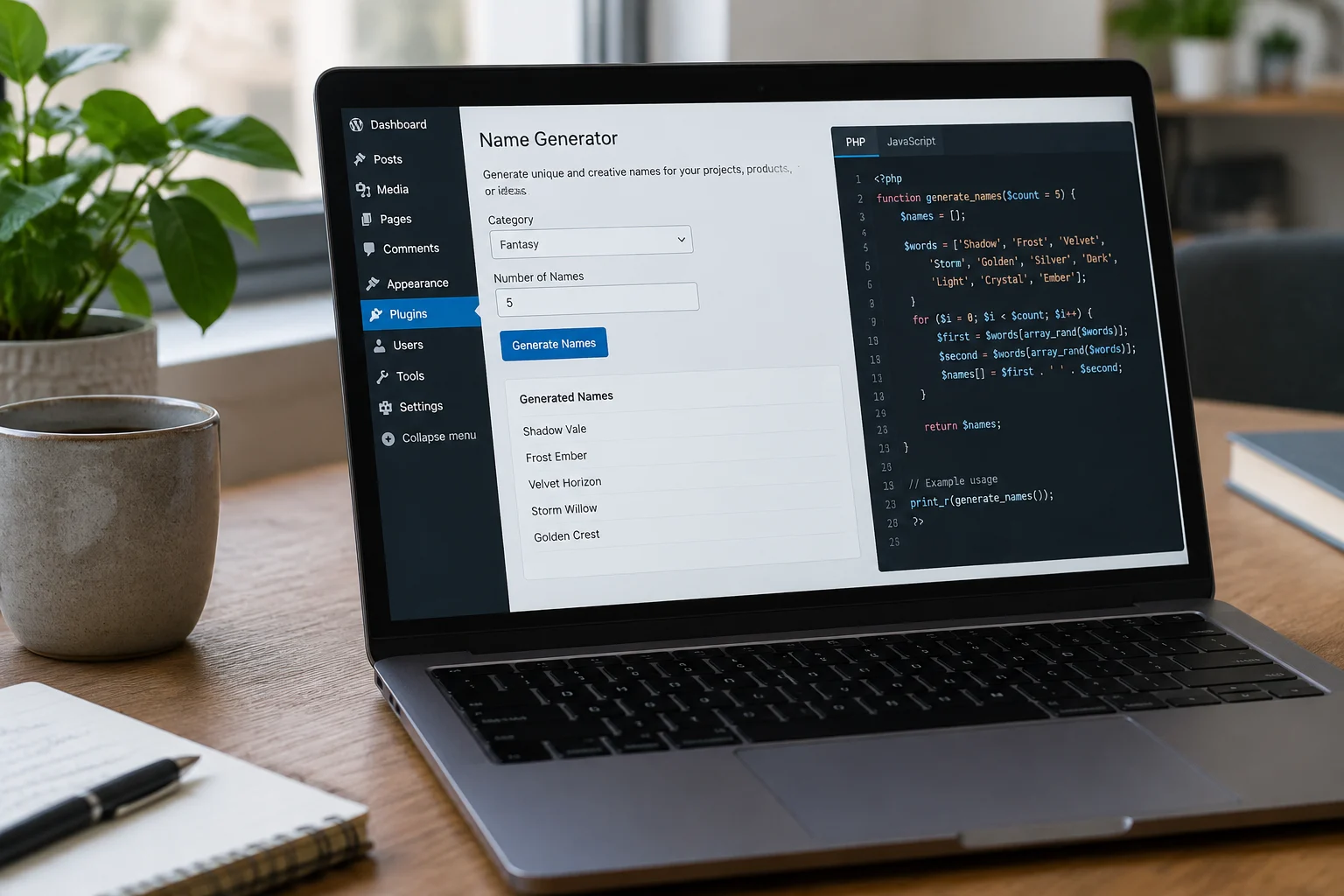
The cover illustration is a generic AI-generated depiction of a WordPress plugin interface; it is not a screenshot of bluestudio.cloud, mygenify.cloud, or any live site. This guide is a build plan for a name generator plugin that mygenify.cloud can own end to end. It starts with a prefixed, class-based scaffold, then chooses a practical way to store a curated name corpus in the WordPress admin. It shows why a shortcode is the safest first frontend surface, how a cached REST endpoint can return filtered names without a page reload, and how to add copy and favorites without forcing a login. The reference site bluestudio.cloud is treated as a feature signal, not a design template: it offers themed generators and a letter-based generator where users choose a style and starting letters. The mygenify version should use its own templates, its own brand, and its own curated data.
Plugin Scaffolding & File Structure
Start with a small, boring scaffold that will still make sense after the corpus grows. Use a unique prefix of at least four characters on every global symbol; for this project, mygenify is the prefix. The main plugin file should guard against direct access, declare a plugin header, define a base path and URL, and hand control to a namespaced bootstrap class. Keep admin-only code behind is_admin() checks and load it only when needed. Do not put query logic, shortcode rendering, and REST callbacks in one file.
A workable structure is:
mygenify-name-generator/
  mygenify-name-generator.php
  src/
    Plugin.php
    Admin/CorpusAdmin.php
    Domain/CorpusRepository.php
    Rest/NamesController.php
    Frontend/Shortcode.php
    Frontend/Assets.php
  assets/
    js/app.js
    css/app.css
  languages/
The main file can be minimal:
<?php
/**
 * Plugin Name: Mygenify Name Generator
 * Text Domain: mygenify
 */
if (!defined('ABSPATH')) { exit; }
require __DIR__ . '/src/Plugin.php';
add_action('plugins_loaded', array('Mygenify\\Plugin', 'boot'));
Use the text domain consistently and load translations from the languages directory. If the plugin will be distributed, add activation and deactivation hooks for rewrite rules and cache cleanup; for a single utility site, keep those hooks lean and idempotent. The important point is that every public surface, from shortcode to REST route, calls the same domain service rather than duplicating name-selection rules.
Admin Data Management: Storing the Name Corpus
For the first release, choose a smaller, curated corpus with high thematic accuracy over a massive static word bank. A large list feels impressive until users see weak matches; a curated list with clear themes, styles, and starting-letter coverage is easier to QA and easier to explain. The practical storage choice is a non-public custom post type for individual names, plus taxonomies for theme, style, and gender or neutrality, and post meta for length and syllable count. That gives editors a familiar admin screen, supports revisions and search, and keeps the data portable. Register the post type in code rather than relying on a UI plugin so the schema is versioned with the plugin.
A minimal registration looks like this:
register_post_type('mygenify_name', array(
  'label' => 'Names',
  'public' => false,
  'show_ui' => true,
  'supports' => array('title'),
  'capability_type' => 'post',
));
register_taxonomy('mygenify_theme', 'mygenify_name', array(
  'label' => 'Themes',
  'public' => false,
  'show_ui' => true,
  'hierarchical' => true,
));
Use JSON or PHP arrays only for seed data and tests, not as the long-term editorial interface. A custom table is justified when the corpus is very large and needs indexed multi-column filtering at scale, but it adds migration and admin UI work. The reference site bluestudio.cloud shows the value of themed generators such as wrestling, Mexican, anime, Discord, and warlock names, and its letter-based generator lets users pick a style and starting letters. Those are feature signals: mygenify.cloud should support comparable filters with its own curated data and its own editorial standards. If the project markets high-fidelity fantasy naming, keep that claim modest and test it against the actual corpus.
Frontend Output: Shortcode vs. Block
Ship a shortcode first, then add a block when the interaction model is stable. A shortcode is theme-independent, works in classic and block editors, and is easy to place in landing pages, posts, and reusable patterns. It also gives the plugin a simple server-rendered shell that JavaScript can hydrate. Some random-name plugins use a shortcode with a words parameter or content between tags; that pattern is useful for defaults, but the mygenify generator should not depend on editors pasting word lists into content.
A shortcode should output a container with data attributes and a noscript fallback:
add_shortcode('mygenify_names', function ($atts) {
  $atts = shortcode_atts(array('theme' => '', 'limit' => 12), $atts);
  return '<div class="mygenify-app" data-theme="' . esc_attr($atts['theme']) . '" data-limit="' . esc_attr($atts['limit']) . '"></div>';
});
A block is still worth adding later because it gives editors a native inserter, inspector controls, and a preview. Build it as a thin wrapper around the same container and the same REST endpoint. Do not duplicate the filter UI in PHP and JavaScript. If the block cannot be maintained in the first release, the shortcode remains the stable public contract.
Instant, Filtered Results: AJAX & REST API Architecture
Use the WordPress REST API for public read requests. It is the modern path, gives you a clear schema, works with the block editor, and is easier to test than admin-ajax.php. Register a route such as mygenify/v1/names with GET parameters for theme, style, starting letter, length range, syllable count, and limit. Keep the callback thin: sanitize inputs, ask a repository service for matches, and return a structured response. Set permission_callback to __return_true for public reads, but still validate and rate-limit at the edge if the site is popular.
add_action('rest_api_init', function () {
  register_rest_route('mygenify/v1', '/names', array(
    'methods' => 'GET',
    'callback' => 'mygenify_rest_names',
    'permission_callback' => '__return_true',
    'args' => array(
      'letter' => array('sanitize_callback' => 'sanitize_text_field'),
      'theme' => array('sanitize_callback' => 'sanitize_title'),
      'limit' => array('sanitize_callback' => 'absint', 'default' => 12),
    ),
  ));
});
Cache the compiled corpus in a transient or object cache and invalidate it when names change. For a curated corpus, a tax_query plus meta_query is usually fast enough; measure it. Aim for a sub-200ms response on a normal shared host for the first release, and add pagination or a smaller default limit if the corpus grows. On the client, debounce filter changes and show a loading state. A Generate button can remain as an accessible fallback, but the desired flow is results update as options change, without a full page reload.
Core Interaction: One-Click Copy & Favorites
Copy and favorites are small features that make a utility feel finished. Implement them with event delegation on the generator container so dynamically inserted result cards work without rebinding. For copy, prefer navigator.clipboard.writeText and fall back to a temporary textarea plus document.execCommand(‘copy’) for older browsers. Show a short status message on the button or a live region. Do not use a clipboard library unless the project already has one.
async function copyText(text) {
  try {
    await navigator.clipboard.writeText(text);
    return true;
  } catch (error) {
    const area = document.createElement('textarea');
    area.value = text;
    document.body.appendChild(area);
    area.select();
    const ok = document.execCommand('copy');
    area.remove();
    return ok;
  }
}
For favorites, use localStorage for the first release. Requiring login adds friction to a name generator, and anonymous users often expect a quick save list. Store an array of name objects under a prefixed key, toggle a star button, and render a favorites panel from the same data. Be explicit in the UI that favorites are stored in this browser and can be cleared by browser settings. If the site later adds accounts, migrate localStorage favorites into user meta on login. Avoid cookies for this; localStorage is simpler and does not send data on every request.
const key = 'mygenify_favorites';
const favs = new Set(JSON.parse(localStorage.getItem(key) || '[]'));
function saveFavs() {
  localStorage.setItem(key, JSON.stringify(Array.from(favs)));
}
Asset Loading & Enqueuing Strategy
Enqueue assets only where the generator is rendered. Register handles on wp_enqueue_scripts, then enqueue from the shortcode or block render callback. Use filemtime for development versions and a plugin version constant for production. Declare dependencies explicitly; if the script uses wp.apiFetch, depend on wp-api-fetch. Localize the REST URL and a nonce so the client does not hard-code paths. Keep admin CSS and JavaScript behind is_admin() so the front end stays lean.
add_action('wp_enqueue_scripts', function () {
  wp_register_script('mygenify-app', plugins_url('assets/js/app.js', __FILE__), array('wp-api-fetch'), '1.0.0', true);
  wp_register_style('mygenify-app', plugins_url('assets/css/app.css', __FILE__), array(), '1.0.0');
});
function mygenify_enqueue_app() {
  wp_enqueue_script('mygenify-app');
  wp_enqueue_style('mygenify-app');
  wp_localize_script('mygenify-app', 'mygenifyData', array(
    'restUrl' => esc_url_raw(rest_url('mygenify/v1/names')),
    'nonce' => wp_create_nonce('wp_rest'),
  ));
}
If the shortcode appears multiple times, guard with a static flag so assets are not localized twice. For a distributed plugin, use a build step to minify assets and keep source files out of the production zip. For a single site, a simple version bump is enough. The key is that asset loading follows output, not the entire site.
Maintainable Architecture & Future-Proofing (Abilities API)
Keep the plugin class-based and namespaced, but do not over-engineer. A small set of services is enough: Plugin bootstrap, CorpusRepository, NamesController, Shortcode, Assets, and an Admin screen. The repository owns the query rules; the REST controller, shortcode, and future ability all call it. That separation makes tests possible and prevents the same filter logic from drifting across surfaces.
If the project adopts the Abilities API, register name generation as a reusable ability rather than a hidden REST-only feature. The API allows units of functionality to be discovered and executed by REST, the block editor, or AI agents. Keep the input schema small and explicit: theme, style, starting letter, length range, syllable count, and limit. The execute callback should call the same repository service used by the front end.
wp_register_ability('mygenify/generate-names', array(
  'label' => 'Generate names',
  'execute_callback' => array($service, 'generate'),
  'input_schema' => array(
    'type' => 'object',
    'properties' => array(
      'theme' => array('type' => 'string'),
      'letter' => array('type' => 'string'),
      'limit' => array('type' => 'integer'),
    ),
  ),
));
This is future-proofing, not a first-release dependency. Ship the shortcode and REST endpoint first, then add the ability when the API is available in the project’s stack. For the corpus, use original or properly licensed data; do not copy another site’s word list. If academic or dictionary sources are used, record the license and attribution separately from the code. With a prefixed scaffold, a curated admin-managed corpus, cached REST responses, and a shared domain service, mygenify.cloud can add themes and filters without rewriting the plugin.