Contents
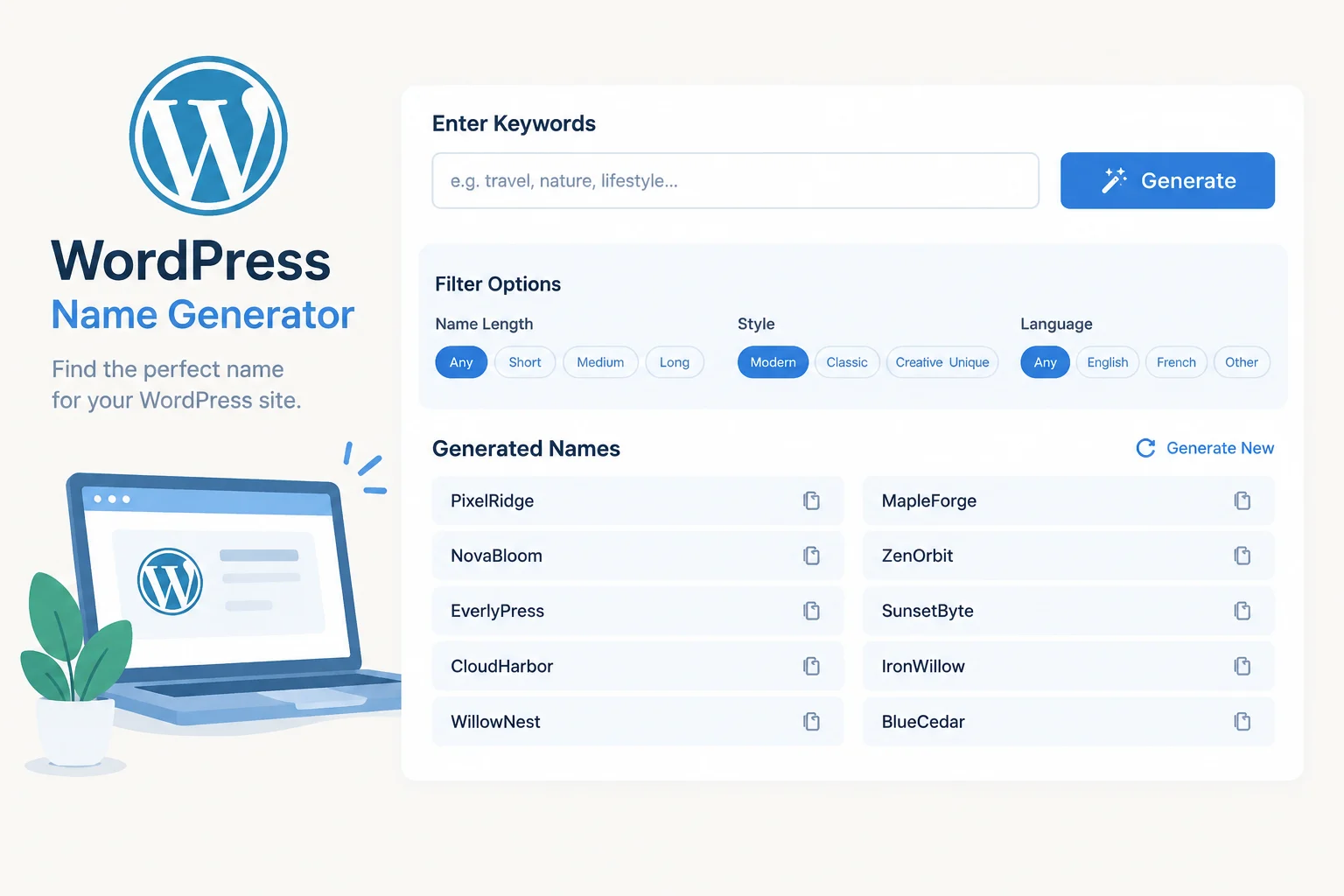
A name generator looks trivial from the outside — type a keyword, get a list — but the parts that decide whether it feels good or cheap are architectural. Where the word banks live, whether generation runs in PHP or the browser, how results stay reproducible, and whether a green checkmark accidentally implies legal clearance.
This piece walks the whole stack for a WordPress build: the mechanics of generation, the demand side that justifies a themed library, three storage models and when each wins, a REST endpoint that returns results without a reload, and the small retention features (copy, favorites, shortlists) that turn a one-visit tool into a bookmark. It closes with caching, abuse control, SEO structure and the failure modes worth designing against.
What a name generator actually does
Strip away the interface and a generator is a small pipeline that performs three mechanical moves on a curated vocabulary:
- Compounding — joining two real words:
Iron+Forge,North+Wind. - Blending and clipping — merging fragments and truncating them:
Stellar+Nova→Stellova,Cascade+-ade→Cascadia. - Affixation — attaching prefixes and suffixes to a stem:
Nova-,-ly,-ify,-ora,-works.
On top of those moves sits an optional ranking layer. The cheapest useful version scores pronounceability, length and spelling ambiguity — a candidate should be spellable after hearing it once. That single rule filters out a surprising amount of generated noise before it reaches the screen.
What the tool is not is a decision engine. It has no knowledge of trademarks, live domain registrations or search demand. It explores plausible-sounding strings; it does not validate them. Keeping that boundary explicit in the product — in the UI copy, the disclaimers and the result badges — is what separates a trustworthy utility from one that quietly misleads people into building a brand on someone else’s mark.
Core use cases and who they serve
Demand clusters into four buckets, and they behave differently enough to justify separate entry pages:
- Business and product naming — founders who need a company, SaaS or product name and will immediately want domain availability. Highest commercial intent, highest expectations.
- Character and fandom names — writers, tabletop players, fan-fiction authors and roleplay communities. Enormous volume, strongly themed, and usually indifferent to domains.
- Gaming usernames and handles — Discord, Steam and console tags. Short, punchy, often wanting a specific starting letter or an alliterative pair.
- Domain ideation — adjacent to business naming but more tolerant of invented strings and more sensitive to length.
A single generic generator serves all four badly. A themed library — one page per vertical — serves each one specifically, and it does two things a generic tool cannot: it ranks for narrow long-tail queries, and it gives a returning visitor a reason to come back for a different theme. Commercial tools have already validated the shape: Wix asks for one or two keywords plus an industry, returns suggestions and lets the user refine by editing keywords and re-running generation. WordPress.com frames the flow as keywords first, automatically generated names second, and a matching domain third. NameStation organizes 21+ specialized generators by technique — compound words, portmanteaus, invented names, translations and wildcards — which is the same taxonomy a themed WordPress library can mirror for its own pages.
The practical takeaway is that input specificity drives output quality. A structured filter panel — category, tone, length, banned suffixes — will outperform a single free-text keyword box every time, because it narrows the sampling space before generation starts.
Data sources and how to model them in WordPress
You have three realistic storage options. The right one depends on who edits the data and how big it gets.
| Option | Best for | Trade-offs |
|---|---|---|
| CPT with JSON in post meta | Editors maintaining banks through the admin UI; a few hundred to a few thousand entries | Native UI, revisions and capabilities. Meta queries do not scale well for heavy filtering. |
| Custom table | 10k+ rows, filtered queries, joins across banks | Fast indexed lookups; you own the schema, migrations and admin screens. |
| Versioned JSON files in the theme or plugin | Read-only curated banks shipped with code | Instant to load, diffable in git, trivially cacheable; no admin editing, requires a deploy to change. |
A pragmatic hybrid: keep the large, rarely edited core banks as JSON files, and put the banks that content editors actually tune into a CPT with a JSON meta field holding the structured payload (words, prefixes, suffixes, fragments, templates, banned). Register a mygen_bank post type with show_in_rest so the admin can use the block editor, and store the payload as a single meta key rather than dozens of rows — one read, one decode.
The bank schema itself should be uniform across themes so the engine stays generic:
{
  "words": ["iron", "forge", "north"],
  "prefixes": ["nova", "aero", "lumen"],
  "suffixes": ["ly", "ify", "ora", "works"],
  "fragments": ["stel", "vor", "ryn"],
  "templates": ["{word}{suffix}", "{prefix}{fragment}", "{word} {word}"],
  "banned": ["..."],
  "locale": "en"
}
Plugin and tooling choices: if you want admin-managed banks without writing admin screens, CPT UI plus Advanced Custom Fields or Meta Box is the fast path. If you want everything in code, register the post type and meta in a small plugin. Use WP-CLI for importing JSON banks and smoke-testing generation. For caching, an object-cache backend such as Redis or Memcached plus a page-cache plugin covers most needs. Avoid adopting a heavy generator plugin that owns the data model if you plan to customize the engine.
If multilingual banks are on the roadmap, decide now: either add a locale column or field and filter on it, or run one bank per language. Adding the field later means migrating every row.
The generation and filtering engine
Generation can run server-side in PHP, client-side in JavaScript, or both. Server-side wins by default: word banks stay out of the public bundle, the engine is one implementation instead of two, and you can change generation logic without cache-busting a JavaScript asset. Client-side wins only when you want zero-latency regeneration and the bank is small enough to ship as JSON.
The critical design decision is seeded randomness. If the seed is derived from the request parameters, the same inputs always return the same batch — which makes results shareable by URL, makes support questions reproducible, and lets you cache result sets by seed.
function mygen_generate( array $bank, string $seed, int $count = 15 ): array {
    mt_srand( crc32( $seed ) );
    $out   = [];
    $guard = 0;

    while ( count( $out ) < $count && $guard++ < $count * 40 ) {
        $name = mygen_compose( $bank );          // compounding | blending | affixation
        if ( ! mygen_passes_filters( $name, $bank ) ) {
            continue;
        }
        $out[ $name ] = true;                    // key-based de-duplication
    }

    mt_srand();                                  // restore global state
    return array_keys( $out );
}
The $guard counter matters: a filter set that is too narrow will otherwise loop forever. Returning fewer results than requested is a valid outcome — the front end should say so rather than silently padding.
The filter surface should be small and legible: min/max length, syllable count, alliteration toggle, starting letter, banned suffixes and category tags. Commercial generators often expose a similar small option set — extension, length bounds, availability toggle and sorting — and that maps directly onto a WordPress filter panel. Apply cheap checks first (length, banned list, de-duplication) and expensive checks last (syllable counting, pronounceability scoring). Add a minimum quality threshold so nothing below the bar is returned at all — a short list of good candidates beats a long list the user has to triage. If you add a brandability score, expose it as an optional sort rather than hiding the raw order.
Delivering instant results without a reload
The request path is short, but every hop has a failure mode.
Register a namespaced REST route for generation:
add_action( 'rest_api_init', function () {
    register_rest_route( 'mygen/v1', '/generate', [
        'methods'             => 'GET',
        'callback'            => 'mygen_rest_generate',
        'permission_callback' => '__return_true',
        'args'                => [
            'theme' => [ 'required' => true, 'sanitize_callback' => 'sanitize_key' ],
            'seed'  => [ 'sanitize_callback' => 'sanitize_text_field' ],
            'len'   => [ 'sanitize_callback' => 'absint' ],
        ],
    ] );
} );
Use a nonce for state-changing actions such as saving favorites, and do not treat a public read-only generation route as if a nonce were access control. On the client, the one detail that separates a smooth tool from a janky one is aborting the previous request when the user re-clicks:
let ctrl;
async function generate( params ) {
  ctrl?.abort();
  ctrl = new AbortController();
  showSkeletons();
  const url = new URL( MyGen.endpoint );
  Object.entries( params ).forEach( ( [ k, v ] ) => url.searchParams.set( k, v ) );
  try {
    const res = await fetch( url, { signal: ctrl.signal } );
    render( await res.json() );
  } catch ( e ) {
    if ( e.name !== 'AbortError' ) showError();
  }
}
Three supporting details: render skeleton placeholders sized to the expected result count so the layout does not jump; debounce rapid filter changes; and make the form work without JavaScript. Progressive enhancement here means the same form submits as a GET request and PHP renders the result set server-side from the query parameters. It costs little, and it means a broken bundle does not take the whole tool offline.
Retention features: copy, favorites and shortlists
These three features are what turn a single visit into a saved tool.
Copy should use the Clipboard API with a fallback for insecure contexts and older browsers:
async function copy( text ) {
  try {
    await navigator.clipboard.writeText( text );
  } catch {
    const t = document.createElement( 'textarea' );
    t.value = text; document.body.append( t );
    t.select(); document.execCommand( 'copy' ); t.remove();
  }
  toast( 'Copied' );
}
Always give visible confirmation — a toast or an inline checkmark — because clipboard writes fail silently otherwise.
Favorites need a persistence decision keyed to authentication state:
- Anonymous visitors →
localStorageunder a single namespaced key such asmygen:favs, holding a JSON array. Zero server cost, survives reloads, lost on cache clear. - Logged-in users → user meta via the REST API, so favorites follow the account across devices.
- Heavy multi-list use → a dedicated table with
user_id,name,themeandcreated_at. Only worth it once you need cross-list queries.
Start with localStorage and a user-meta sync on login. It covers the overwhelming majority of real usage.
Shortlists become shareable through URL parameters — either an explicit list (?names=ironforge,stellova,northwind) or a compact pointer to the seed plus filters (?theme=fantasy&seed=8f2a&len=10). The seed form produces shorter URLs and is trivially regenerable; the explicit form survives bank changes. Pick one and document it.
NameStation’s heart-icon favoriting and saved wordlists that persist across generators are the two retention primitives worth porting first. Everything else is refinement.
Availability and trademark checks as a separate layer
This is where most generators quietly mislead people, so treat it as a distinct feature with its own contract.
Domain availability is an external, rate-limited lookup. Never call it inline during generation. Instead:
- Batch lookups for a result set rather than one call per name.
- Cache each result in a transient keyed by the domain, with a TTL measured in hours rather than days — availability data goes stale, and a wrong answer is worse than no answer.
- Degrade gracefully: if the API is down or the rate limit is hit, show ‘check availability’ as a link to a registrar, not a red X.
Trademark clearance cannot be automated by a generator at all. The correct treatment is an explicit, unmissable disclaimer plus outbound links to the official registries — USPTO’s search, EUIPO and WIPO’s Global Brand Database — so users know exactly where the real check happens. Phrase it as ‘this tool does not check trademarks’ rather than ‘results may not be trademarked’; the first is a fact, the second sounds like a caveat.
The visual language matters as much as the copy. A green checkmark next to a name reads as ‘cleared.’ Reserve green for the domain lookup only, label it ‘domain appears available,’ and keep trademark status entirely outside the result row.
Reference patterns from bluestudio.cloud
Blue Studio’s library is a useful structural reference because it separates themes into distinct generators — wrestling, Discord, fantasy and cultural names — rather than hiding everything behind one generic input. The patterns worth adopting are organizational:
- Theme-specific entry points. Each theme gets its own vocabulary and its own page in your build, with unique intro copy and an indexable URL. That URL decision is your SEO requirement, not a claim about how Blue Studio implements routing.
- A tight results spec. Roughly 10–20 options per click, with regenerate, save-to-favorites and list export. That is enough to feel generative without forcing the user to triage hundreds of names.
- Domain-appropriate filters. Blue Studio lets users constrain by gender, length, origin and thematic elements; business naming would need industry, tone and length instead. Keep the engine generic and let the filter panel change per theme.
- Free access to the first result. The library is free to use; whatever account model you add later should not sit between the visitor and the first batch.
- Editorial scaffolding around the tool. Add your own intro, FAQ block and related-generator links. Those are your SEO requirements, not features copied from Blue Studio.
Copy the structure, not the design. The visual layer should come entirely from your own WordPress template.
Performance, caching and abuse control
A generator endpoint is cheap per call, but it is also trivially scriptable, so assume it will be hit by bots.
Cache in layers.
- Object-cache the decoded word banks (
wp_cache_getandwp_cache_setunder a group with a version key), so a bank is decoded once per request cycle, not once per candidate. - Transient-cache popular result sets, keyed by a hash of theme, seed and filters. Because generation is seeded, identical inputs produce identical output — which makes these cache entries correct by construction.
- Ship a static JSON bundle for the two or three highest-traffic generators, so the most common requests never touch PHP at all.
Rate limit per IP. A transient counter with a short window — for example, N generations per minute — is enough. Return a friendly message with a retry hint rather than a raw 429.
Filter bots at the edge or in init, but keep the rules narrow. Aggressive bot filtering breaks legitimate users behind shared NATs and corporate proxies.
Keep the endpoint cheap. No uncached database writes on the generation path, no external HTTP calls inside the generation request, and no logging every candidate to a table. If you want analytics, increment a counter in a transient and flush it on a schedule.
The target is an endpoint that survives a viral traffic spike without a database write per request. Seeded caching is what makes that achievable.
SEO and content architecture for a generator library
The tool page alone rarely ranks. What ranks is the page around the tool.
URL scheme. One indexable page per theme, flat and readable: /name-generator/fantasy/, /name-generator/discord/. Avoid query-string variants as canonical entry points — keep parameters for state, not for content.
Unique copy per page. Every theme page needs its own intro paragraph, its own ‘how this generator works’ note and its own FAQ set. Templated copy with the theme name swapped in is the fastest route to a thin-content penalty across a library of twenty pages. If you cannot write 200 genuinely distinct words about a theme, that theme is not ready to launch.
Internal linking. Related generators should link to each other: fantasy to medieval to elf; Discord to gaming to username. A small ‘related generators’ block at the bottom of each page does most of this work.
Structured data. FAQPage schema on the FAQ block, and WebApplication or SoftwareApplication on the tool itself. Both are low-effort and both are supported by content you already have.
Supporting editorial content. Articles that explain naming conventions, show examples or compare approaches feed authority into the tool pages via internal links. Without them, a library of twenty near-identical tool pages has nothing to differentiate it.
The practical sequencing: launch five themes with real copy, measure, then expand. Launching twenty at once with placeholder text is the failure mode.
Risks and quality guardrails
The failure modes are predictable, which means most of them are preventable.
- Offensive or accidentally meaningful output. A banned-word list is necessary but not sufficient — also screen generated strings against a profanity and slur list, and against common words in other languages if the bank is multilingual. Review new banks manually before publishing.
- Descriptive names presented as brands.
BestCoffeeShopis a weak trademark and a worse domain. A soft warning in the UI is more honest than a green check. - Hallucinated availability. Never infer domain status. Only show what an API returned, with a timestamp, and show nothing when the lookup failed.
- Over-promising uniqueness. ‘Unique name’ is a claim the tool cannot verify. Say ‘generated’ or ‘original combination.’
- Implying legal clearance. This is the one with real exposure. Every page needs a plain-language disclaimer that the tool does not perform trademark searches, that results are starting points, and that professional clearance is the user’s responsibility.
Guardrails worth building in from day one: a minimum quality threshold before results render, a visible ‘not legal advice’ line under the results panel, and a manual review step for every new word bank. All three are cheap, and all three are expensive to retrofit.
A practical build order
If you are starting from an empty WordPress install, this sequence keeps risk low and delivers something usable early.
- Define the bank schema and ship two banks as versioned JSON files. Prove the engine works before building any admin UI.
- Build the PHP generation engine with seeded randomness, filters, de-duplication and a guard counter. Test it from WP-CLI first — no front end required.
- Expose one REST route and a bare-bones template with a filter panel and a results list. Server-rendered first, no JavaScript.
- Layer on the JavaScript front end with fetch, AbortController and skeletons. Keep the server-rendered path as the no-JS fallback.
- Add copy and favorites. Clipboard with fallback, localStorage for anonymous visitors, user meta for logged-in users.
- Add caching and rate limiting before you add more themes — the second theme multiplies traffic, not the first.
- Migrate editable banks to a CPT once content editors actually need to touch them, not before.
- Add the availability layer last, as a separate, clearly labeled feature with its own caching and its own disclaimers.
Each step is independently shippable, and none of them require you to commit to the custom-table storage model before you know whether you need it.